Offline Meeting Notes · Features
The write-up, ready when you hang up
Offline Meeting Notes writes the summary from the transcript and any notes you typed: what was decided and what happens next, with who does it.
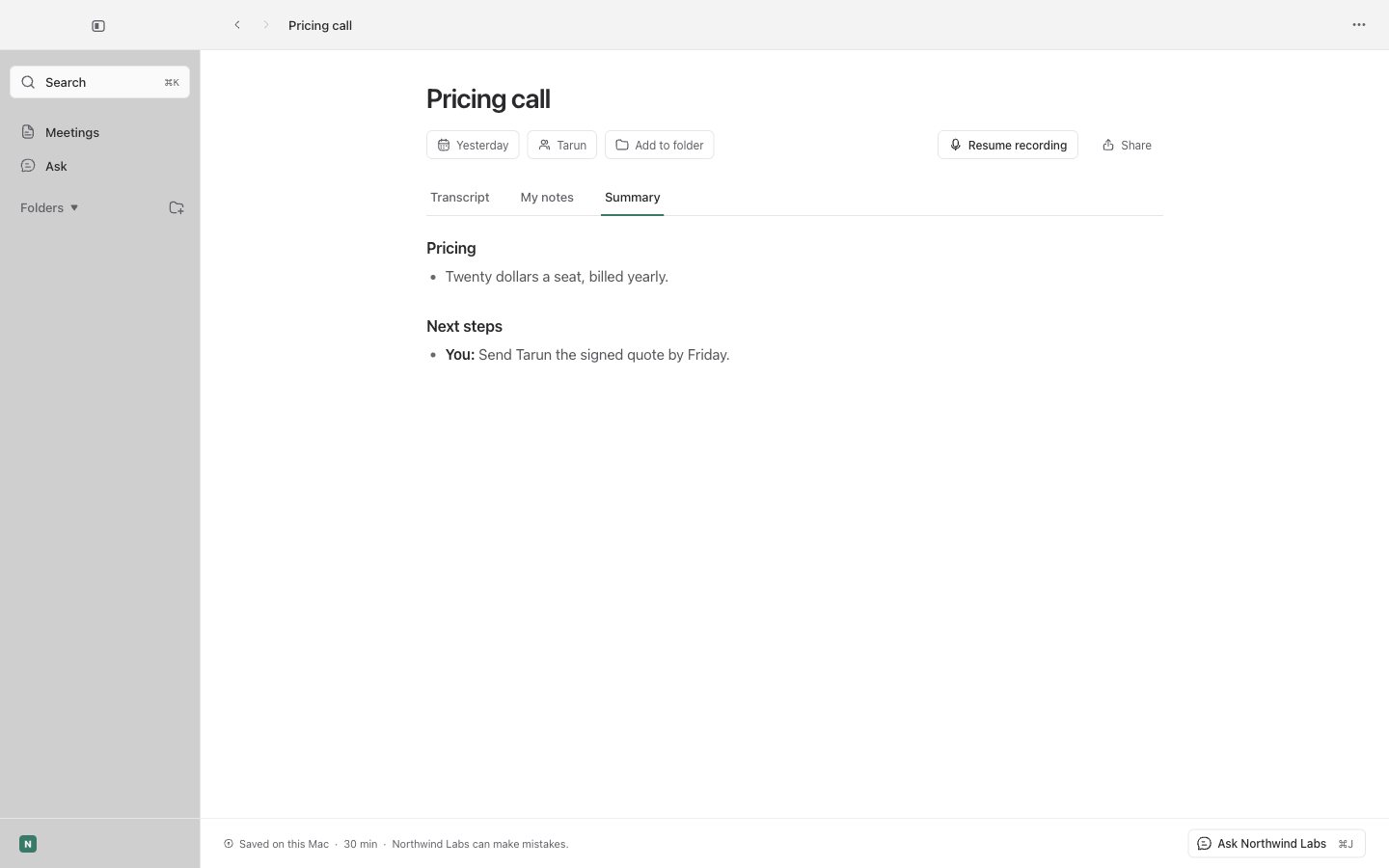
A real screen of Offline Meeting Notes, with sample data.
Decisions and next steps, with who does what, written from the transcript and your own notes.
Copy it or save it as Markdown.
- Decisions and next steps
- Your own notes added in
- Copy or save as Markdown
How to use it
- Open the meeting.
- Read the Summary tab.
- Copy it into your email or CRM.
More in Offline Meeting Notes
Your meetings
Each meeting with who was in it and how long it ran, next to today's agenda from your calendar. Press Record when the call starts.
Transcript
The whole call as text, split by speaker. Search it later instead of trying to remember.
Settings
Start it with your computer, show the next meeting in the menu bar, stop recording when the call ends, and choose whether audio is kept.